You clicked. The glass finds out — ms later.
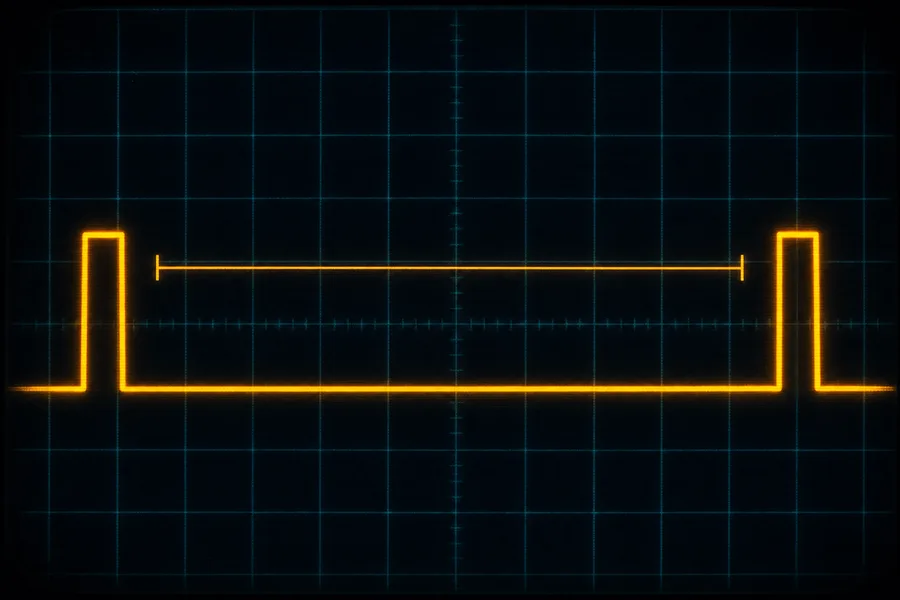
Four settings decide that gap, and none of them is your hand. Put yours in once; the rest of the page is that number taken apart.
—
Where the time actually goes
Five waits, end to end, drawn to scale. Three of them are not waits for work to finish — they are waits for the next turn to come round, and you get the middle of that turn on average because you do not get to choose when in the cycle your finger lands.
| Stage | ms | Share | What it is waiting for |
|---|
—
One change at a time
Every row keeps the other three settings exactly where you left them and moves one. Sorted by what it gives back, which is not the order the shopping pages put them in.
| Change | New total | Saves | Costs |
|---|
—
—
The ladder runs out
Suppose the machine keeps up and your frames always match the panel. Then three of the five stages collapse into one number, and that number is simply two refresh periods. The right-hand column is what each rung buys over the one below it — and these are the rungs you can actually go and buy, which is why they are uneven. Line up the ones that are true doublings and the pattern underneath comes out.
| Screen | One frame | Click to pixel | Step gain |
|---|
—
The queue you already own
Before a finished frame reaches the screen it usually sits in a line of frames the driver has already drawn and is holding in reserve. Each frame in that line is a whole frame time added to everything above, and at your frame rate one of them costs more than the entire mouse stage. This is the setting called Reflex, Anti-Lag, or low latency mode, and it is free.
| Frames held back | Adds | Click to pixel | Same as |
|---|
—
When your frames and your screen do not divide
A screen cannot show a frame for part of a refresh. If your frame rate does not divide cleanly into the refresh rate, some frames are held for one refresh and some for two, in a pattern that repeats. The average still reads as your frame rate. The pattern is what your eye reads.
—
—
—
What this number can defend
The page prints a tenth of a millisecond. That is arithmetic being tidy, not a measurement. Here is the same reading with what it leaves out drawn beside it, at your settings, to the same scale.
| Not counted above | Typical |
|---|
—
Where these numbers come from
- Three of the five stages are half a period, and that is on purpose. Your finger does not know when the mouse is about to report, when the engine is about to read input, or when the screen is about to refresh. Land at random inside a repeating cycle and you wait, on average, half of it. Sometimes you are lucky and wait almost nothing; sometimes you just missed and wait the whole thing. Half is the honest middle.
- Frame rate is charged twice. Half a frame while the engine gets round to reading your click, then a whole frame while that click is turned into an image. Refresh rate is charged once at half weight. That is the whole reason the frames column moves this page harder than the screen column — not an opinion about hardware.
- Polling rate is real and tiny. A 1000 Hz mouse reports every millisecond, so it costs you half of one. Every step above that is splitting a half millisecond into smaller halves. The stage is in the table because it exists, not because it is worth money.
- Panel numbers are the maker’s grey-to-grey figure. Every manufacturer measures it on the transition that flatters them most, and nobody measures it the same way. The four buttons are the honest middle of what independent testing finds for each panel family — treat them as the right size, not the right number.
- Nothing here is measured on your machine. A browser cannot see your polling rate, your driver, or your monitor. Every figure is your four settings run through the arithmetic above. A hardware latency tester pointed at the same setup will read higher, and the section above this one lists exactly why.
- The cadence pattern is a distribution, not a guess. Frames are assigned to refreshes the only way they can be: each frame takes the refreshes that have accumulated since the last one. That produces a repeating run of ones and twos whose length is set by the two rates, which is what the strip draws.
- Frames beyond the refresh rate still help a little, then stop. Going past your panel shortens the two frame stages, which is real. It does not shorten the refresh wait, and with vertical sync on the extra frames are simply dropped. With it off you get the newer image in strips, which is the tear line, and that is the trade.
- None of this is reaction time. A fast human is around 250 ms from photon to click. Your machine’s share of a duel is not that number, it is the gap between your chain and theirs — which is why the first table matters and the total does not.